"We should automate that" is one of the most common sentences said in operations meetings — and one of the least often followed by an actual plan. Most businesses don't have an automation problem; they have a prioritization problem. There are usually a dozen candidate processes, and no clear way to tell which ones are actually worth the engineering time.
This guide covers how to identify processes genuinely worth automating with AI automation, where rule-based automation is still the better (and cheaper) answer, and how to build a first project that proves the case instead of stalling in a pilot forever.
Not Everything Called "AI Automation" Needs AI
A lot of workflow automation is simpler than it sounds, and doesn't need a model at all. If a process follows fixed, predictable rules — move data from system A to system B when condition X is met — that's traditional business automation or infrastructure automation, and it's usually faster and cheaper to build than an AI-based version.
AI earns its cost specifically when a process involves judgment on unstructured input: reading a document that isn't in a fixed format, interpreting a customer message, or classifying something that doesn't map cleanly onto a lookup table. Knowing which category a process falls into before scoping the project avoids paying for a model to do what a simple script already handles.
How to Actually Identify What's Worth Automating
- High volume, low variance: The same type of task, repeated often, is where automation pays back fastest — a process done twice a month rarely justifies the build cost.
- Clear, checkable output: If a human can quickly verify whether the automated result is right or wrong, you can safely monitor and improve the system after launch.
- Currently a bottleneck, not just an annoyance: Processes that delay downstream work — approvals, data entry that blocks reporting, manual handoffs between teams — deliver more value than ones that are just tedious in isolation.
- Data already exists somewhere: If the information the process needs isn't captured anywhere in a usable form, that's a data problem to solve first, not an automation project yet.
Where AI Workflow Automation Delivers Real Value Today
Document and form processing
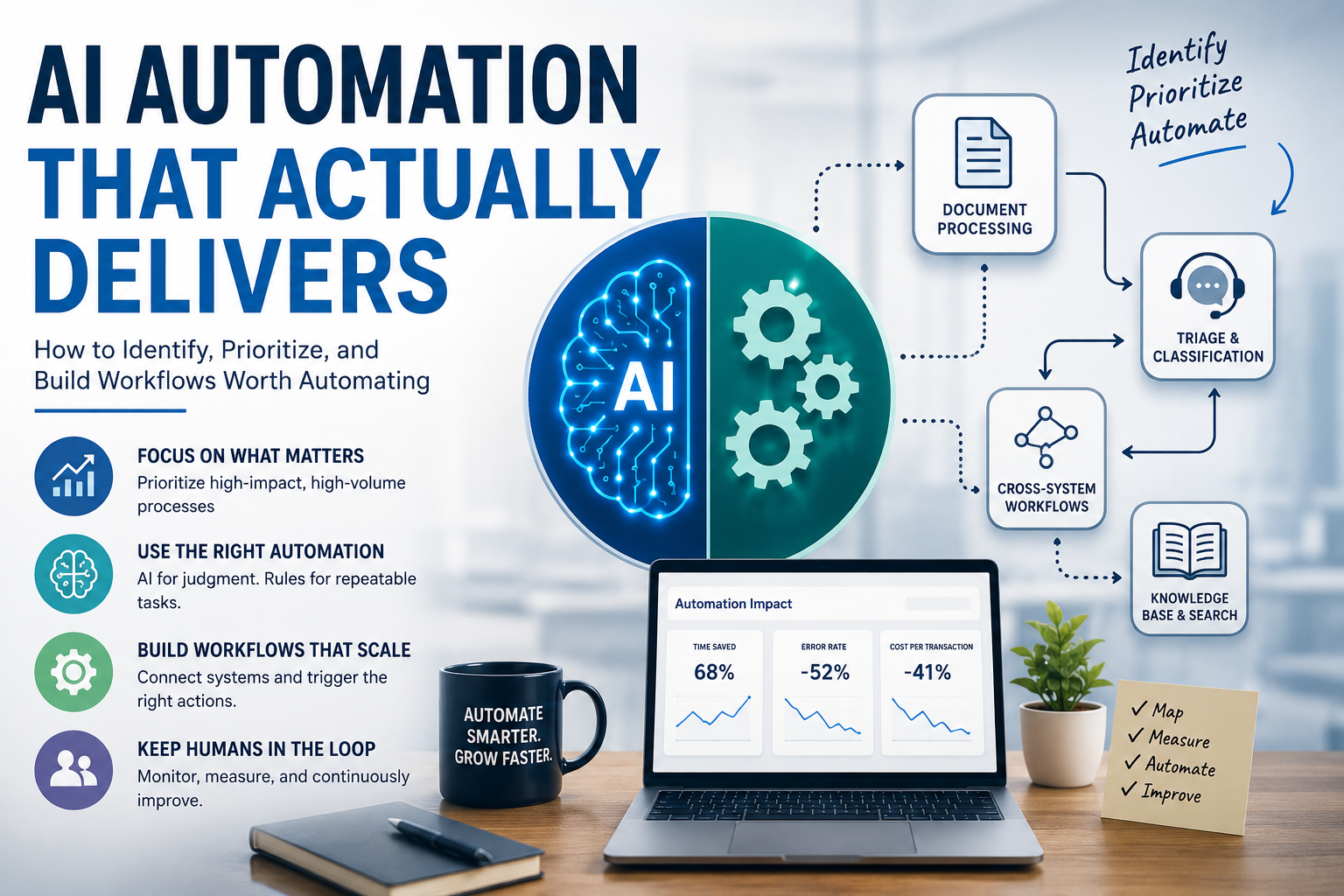
Invoices, contracts, applications, and forms rarely arrive in a single consistent layout. Proper AI document processing extracts structured data from these variable formats — line items, dates, amounts, clauses — replacing manual re-keying without requiring every document to match a rigid template.
Triage and classification
Support tickets, inbound leads, and feedback all need to be routed somewhere. A trained classification step can sort these by intent, urgency, or department far faster than a human doing first-pass triage, freeing people to work on the judgment calls that actually need them.
Cross-system workflows
The highest-value automations rarely live inside one tool — they move data and trigger actions across CRM, accounting, support, and internal systems. Well-built AI workflow automation connects these systems so a single event (a new order, a signed contract, a support request) triggers the right downstream actions automatically, instead of someone manually updating four different tools.
Retrieval over your own operational knowledge
Internal wikis and policy documents are only useful if people can actually find the answer inside them. A properly grounded AI knowledge base lets staff or customers ask a question in plain language and get an answer sourced from your real documentation — not a generic model guess.
Why Automation Pilots Stall (and How to Avoid It)
- Scope creep before launch. A pilot meant to test one workflow slowly expands to "automate the whole department" before anything ships — and never ships.
- No owner after launch. Automation isn't "set and forget"; someone needs to monitor accuracy and handle edge cases, or trust in the system erodes after the first visible mistake.
- No baseline to measure against. Without knowing the current manual cost — time, error rate, delay — it's impossible to prove the automation actually improved anything.
- Automating a broken process. If the underlying process is inconsistent or poorly defined, automating it just makes the inconsistency happen faster.
A Realistic Path From Idea to Working Automation
- Map the current process exactly as it happens today, including the exceptions people currently handle manually.
- Pick one workflow, not a department. A single well-defined process that ships beats a company-wide initiative that stays in planning.
- Decide the human-in-the-loop rule upfront — what confidence threshold triggers automatic action versus routing to a person for review.
- Measure before and after — turnaround time, error rate, and cost per transaction — so the result is a number, not an impression.
- Expand only after the first workflow is stable in production, using what you learned to scope the next one faster.
The Bottom Line
AI automation works best as a series of well-scoped wins, not one sweeping transformation project. The businesses getting real value from it in 2026 aren't the ones with the most ambitious roadmap — they're the ones that picked one genuinely painful, high-volume process, automated it properly with clear human oversight, and used that result to justify the next one.
If you have a process you suspect is worth automating but aren't sure whether it needs AI, simple rule-based automation, or a combination of both, that's exactly the kind of question worth scoping with AI consulting before committing engineering time — including, where the data supports it, whether a lighter-weight machine learning approach beats a full automation build entirely.